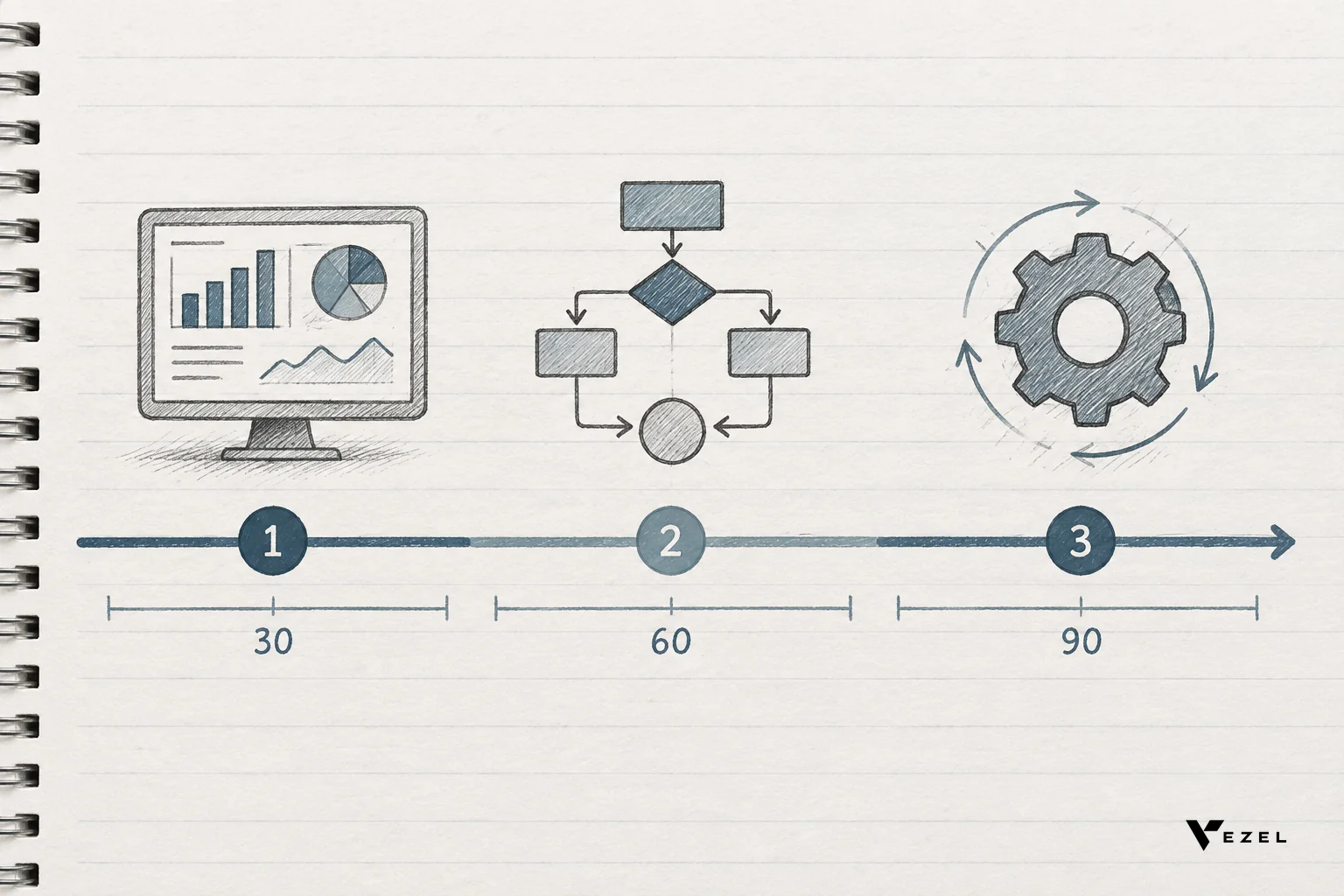



A non-technical end user with a no-code AI extension builder can create a live dashboard, an approval workflow, a support agent, or a custom report by typing a plain English request inside the SaaS product they already use, with no ticket, no developer, and no separate login. That's the actual scope of self-serve extensibility today, and it's wider than most product teams assume.
Key Takeaways
- Seven build types are already self-serve: dashboards, approval workflows, live reports, support agents, onboarding/compliance apps, custom forms, and operations copilots.
- Data stays live: extensions connect through API auto-discovery, so a report built today keeps pulling current numbers instead of freezing at export time.
- Permissions carry over automatically: a user can only build with the data and actions their existing role already allows, which removes the shadow IT risk of exported spreadsheets.
- Governance doesn't disappear: a publishing and versioning layer lets admins review what gets built before it's shared team-wide.
- Engineering backlog shrinks fastest on the requests that never should have needed a developer in the first place, like a one-off approval flow for a single enterprise account.
At a Glance: What Non-Technical Users Can Build
| Extension Type | Typical Builder | Data Source | Time to Build |
|---|---|---|---|
| Live dashboard | CS ops or revenue lead | Existing product API | Minutes |
| Approval workflow | Finance or procurement manager | Existing user roles + data | Under an hour |
| Custom report | Operations or compliance lead | Live platform data | Minutes |
| Support agent | Support team lead | Knowledge base + account data | Under an hour |
| Onboarding/compliance app | HR or implementation manager | Existing workflow objects | Under a day |
| Custom form | Any department admin | Existing data model | Minutes |
| Operations copilot | Ops manager | Cross-object platform data | Under a day |
What Does "No-Code AI Extension Builder" Actually Mean?
A no-code AI extension builder is a layer embedded inside a SaaS product that turns a plain English request into a working piece of software, connected to the product's own data and permissions. It's not a separate app the user has to learn. It sits inside the product they log into every day.
This is different from an internal tool builder like Retool, which is built for engineers assembling internal ops screens. It's also different from a general-purpose no-code app builder like Glide, which creates standalone apps disconnected from a host product's data model. An embedded extension builder maps directly onto the SaaS product's existing API and data structures, so nothing is duplicated or exported.
The seven build types below aren't hypothetical. They're the categories CS and product leaders keep running into when enterprise accounts push for functionality that was never on the roadmap.
1. Live Dashboards Built From Plain English Prompts
A revenue operations lead types "show renewal risk by account tier for the next 90 days" and gets a working dashboard pulling from live subscription and usage data. No SQL, no BI tool, no waiting for a data analyst.
The dashboard updates as underlying data changes because it's querying the product's own API, not a snapshot. That single distinction, live versus static, is why teams keep replacing scheduled exports with embedded dashboards built inside the product instead.
2. Approval Workflows Without a Developer
Every finance team structures approvals differently. One requires two sign-offs above a certain dollar threshold. Another routes by department first and amount second. Building each variant as a custom feature doesn't scale past a handful of enterprise accounts.
A non-technical admin can describe the approval logic in plain language, and the extension builder assembles the workflow using existing user roles. The result behaves like a native feature because it inherits the same authentication the rest of the product uses. Teams evaluating this path often start with a single approval workflow before expanding to other processes.
3. Custom Reports Tied to Live Data, Not Static Exports
A supply chain platform's enterprise client needs an SLA compliance report broken out by carrier and lane. Historically, that meant a CSV export, a spreadsheet formula, and a report that was stale the moment it was downloaded.

Built through a no-code AI extension builder, the same report queries current data every time it's opened. Nobody re-exports anything. This pattern shows up constantly in vertical SaaS, and it's why supply chain platforms increasingly offer live reporting instead of scheduled exports as a retention lever.
4. Support Agents That Answer Inside the Product
A support lead can create an AI agent scoped to a specific customer's account data and knowledge base articles, without touching the product's codebase. The agent answers questions using only the data that customer is already permitted to see.
This matters because a generic chatbot bolted onto a help widget doesn't know account-specific context. An agent built inside the product does, because it inherits the same row-level permissions as the human user who built it.
5. Onboarding and Compliance Workflow Apps
HR tech and healthcare platforms both deal with multi-step processes that vary by customer: background check sequencing, credential verification, state-specific compliance steps. An implementation manager can describe the sequence, and the builder produces a workflow app that tracks each step against existing employee or provider records.
This removes one of the most common reasons enterprise deals stall: the buyer's compliance team insists on a workflow that matches their internal policy exactly, and the vendor can't build it fast enough during the sales cycle.
6. Custom Forms That Feed Back Into the Host Product
A department admin building an intake form doesn't want the responses landing in a separate spreadsheet that someone has to manually re-enter. With an embedded builder, the form writes directly into the product's existing data model, so a new record shows up wherever the team already looks for it.
How to Embed a Form Builder Into an Existing SaaS Product
You embed a form builder into an existing SaaS product by connecting it to the product's existing API through auto-discovery, so submitted fields map directly onto current data objects instead of a separate database. The form then inherits the same authentication and permissions as the rest of the product, and appears native rather than bolted on.
Most teams that try to build this in-house end up maintaining a second data store just for form responses, which creates a sync problem nobody asked for. An embedded approach skips that step entirely, since the form is reading and writing against the same objects the product already exposes.
7. Operations Copilots for Repeatable Internal Work
An ops manager can build a copilot that reviews overnight exceptions, flags anything outside a defined threshold, and summarizes it each morning. This isn't a chatbot answering one-off questions. It's a persistent capability that runs the same check every day without anyone re-asking it.
That distinction, a repeatable capability versus a one-time answer, is the difference between AI as an interface and AI as part of the product itself.
Where Can I Compare Extensibility Across Low-Code Platforms?
Compare low-code and embedded extensibility platforms across four criteria: whether the tool is built for internal engineers or customer-facing end users, whether it inherits your product's existing permissions, whether it's white-labeled to match your product, and whether it requires a separate login or database.
Retool and Superblocks target internal engineering teams and don't inherit customer-facing permission models by default. Glide and Mendix build standalone apps disconnected from your existing data. An embedded builder like Vezel is purpose-built to plug into the product your customers already use. Guides like how to choose an embedded extensibility platform and the Mendix comparison break these criteria down side by side.
What This Means for Security and Governance
Every extension a non-technical user builds inherits the same authentication, role-based access, and row-level permissions the host product already enforces. A user can't build a dashboard that shows data outside their existing access, because the builder queries through their own session.
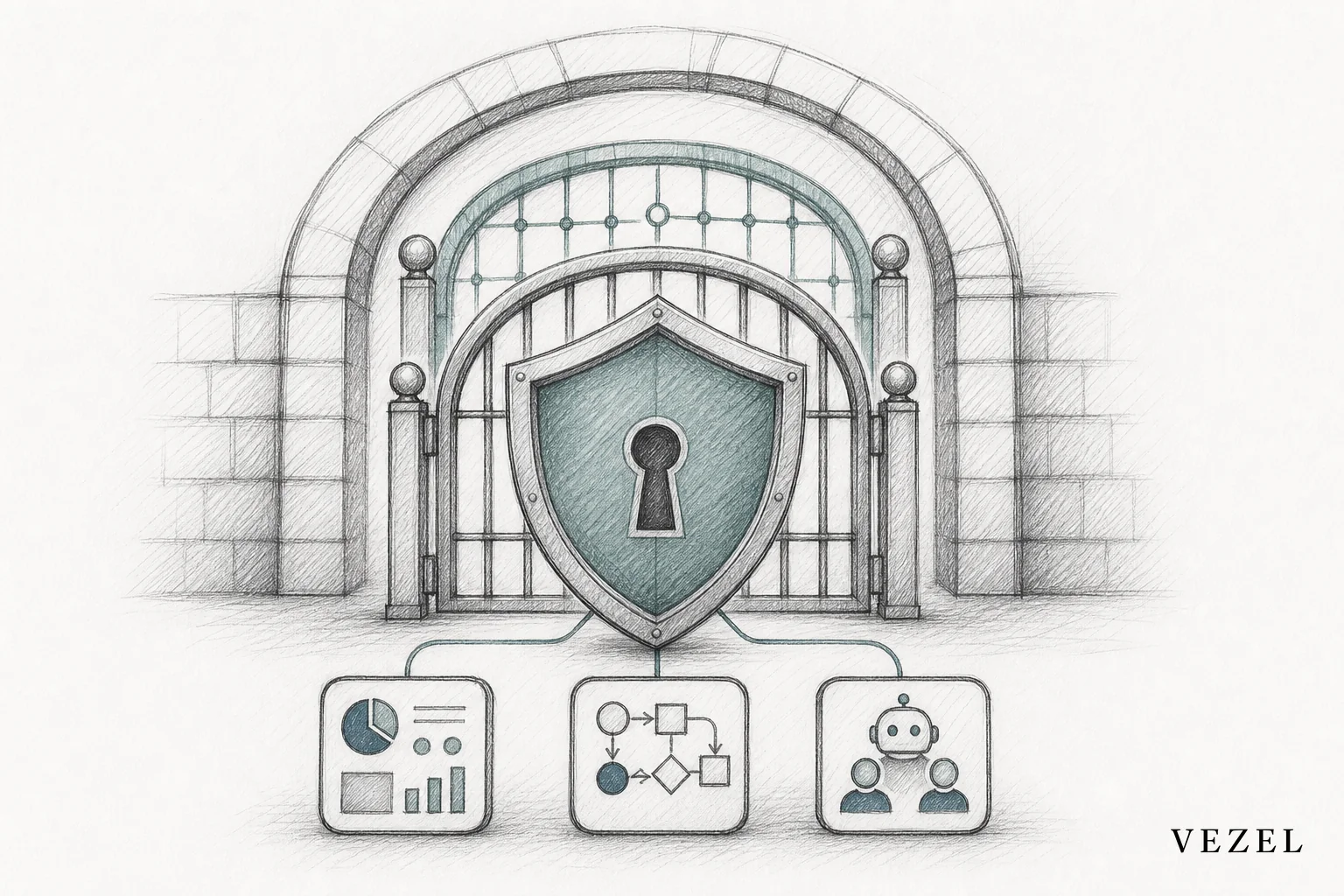
Admins retain a publishing layer to review, version, and roll out extensions before they're shared beyond one user. That governed marketplace model is what separates this from shadow IT: the workaround happens inside a controlled system instead of a personal spreadsheet nobody else can audit. Platforms designed this way also help teams actively reduce shadow IT risk rather than just tolerate it.
Getting Started Without Overwhelming Your Roadmap
Pick one team and one build type first. Approval workflows and live dashboards tend to be the fastest wins because they map directly onto requests engineering already gets asked for constantly. Expand from there through a governed marketplace once the first extension proves out.
Product and CS leaders evaluating this path can book a demo to see the builder connected to a real API, or see how it works before committing a team's time to a pilot. If you're still weighing whether this fits your architecture, you can also talk to an expert about the specific requests currently sitting in your backlog.
The seven build types above cover most of what enterprise customers are already asking for by name. Reviewing where those requests are stacking up on your own product roadmap is a reasonable place to start this week.