


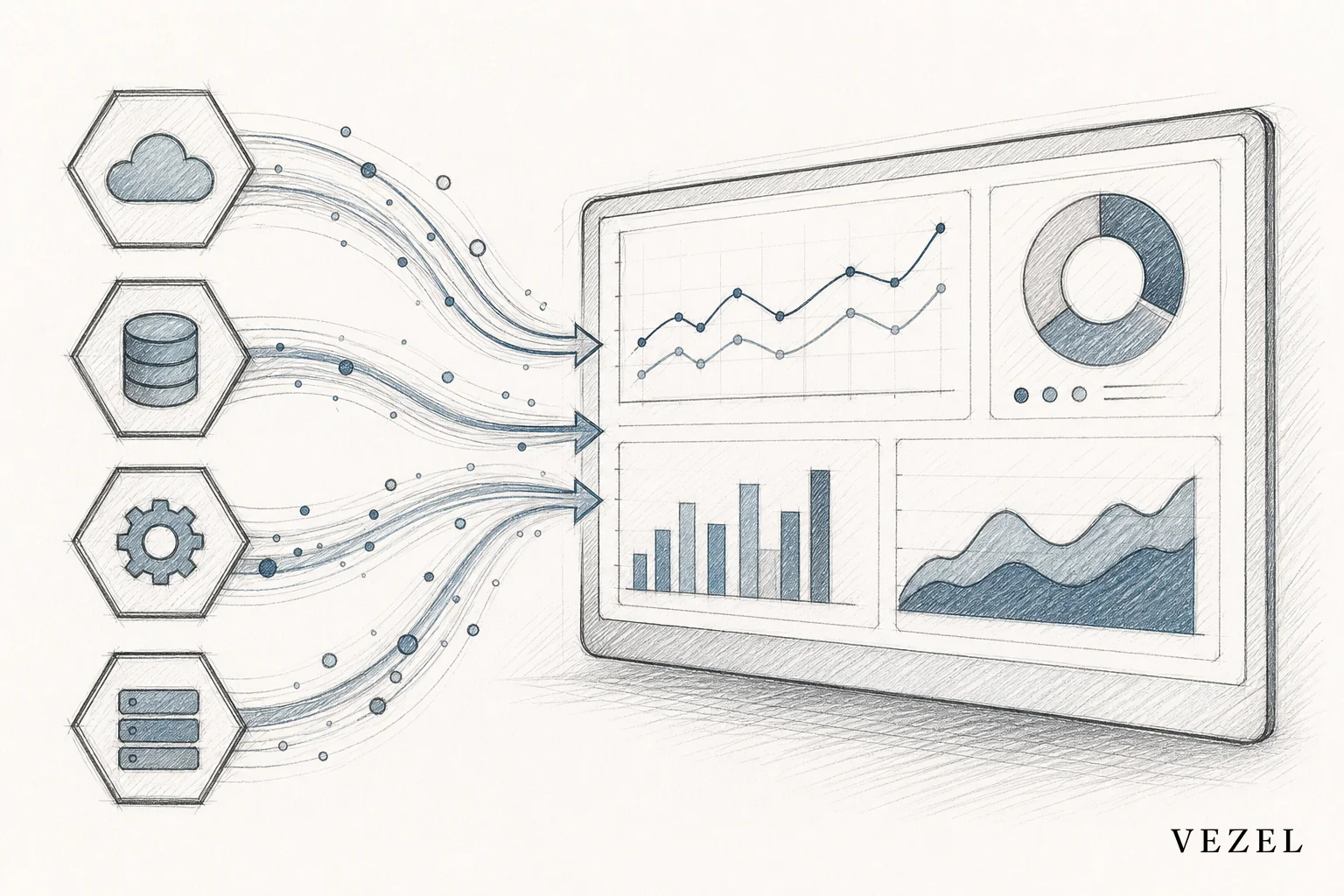
You connect a custom dashboard to live SaaS data by running API auto-discovery against your existing endpoints and data model, mapping the dashboard's fields to those live objects, and letting every query execute through the requesting user's own permissions instead of a static export. No CSV, no nightly batch job, no second database to maintain. That's how to connect custom dashboards to live SaaS data without writing custom backend code for every customer request.
Key Takeaways
- Skip the export step entirely: CSV pulls and scheduled batch jobs create stale data the moment they run; a live API connection queries the source on every load.
- Auto-discovery replaces manual mapping: Instead of engineers hand-coding field mappings, discovery reads your OpenAPI spec (or infers schema from live responses) and maps objects automatically.
- Security has to travel with the data: A dashboard that pulls live data but ignores row-level permissions is a bigger risk than the spreadsheet it replaced.
- Sync breaks at the API boundary, not the dashboard: Most "dashboard drift" complaints are actually unmanaged API versioning problems.
- This is the connection layer, not the builder: Building the dashboard UI is a separate step from wiring it to live data — don't conflate the two.
At a Glance: Live Dashboard Connections
| Approach | Data Freshness | Engineering Effort | Maintenance Burden | Security Model |
|---|---|---|---|---|
| CSV / manual export | Hours to days stale | Low upfront, high ongoing | High (breaks silently) | Usually none — flat file |
| Custom backend integration | Live | Weeks per customer | High (one-off code per client) | Rebuilt manually each time |
| BI tool with scheduled refresh | Minutes to hours stale | Medium | Medium | Separate login, separate roles |
| API auto-discovery + inheritance | Live, on every load | Low, no per-customer code | Low, governed centrally | Inherits existing RBAC and row-level access |
1. Why Static Exports Break Dashboards
Most customer-built dashboards start the same way. Someone exports a CSV, drops it into a spreadsheet or a BI tool, and builds charts on top. It works for a week. Then the underlying data changes, the export gets forgotten, and the dashboard quietly starts lying to whoever looks at it.
This isn't a discipline problem. It's a structural one. A static export is a snapshot, not a connection. The moment it's created, it starts going stale. Teams end up scheduling exports, chasing broken links, and rebuilding the same pipeline every time a field changes upstream.
Enterprise customers feel this most. They ask for a dashboard tracking their own KPIs, get a one-time export-based version, and then submit a support ticket three weeks later asking why the numbers don't match what's in the actual product. That gap is exactly what custom dashboards inside your SaaS are supposed to solve, but only if the data behind them stays live.
2. Map Your Existing API and Data Model First
Before any dashboard can pull live data, something has to know what data exists and where it lives. That's the job of your API and data model, whether or not you've documented it well.
Most SaaS platforms already expose enough through an OpenAPI spec (or something close to it) to support this. The objects, fields, and relationships your product already uses internally are the same ones a dashboard needs to query. There's rarely a need to build new endpoints just to support customer-facing reporting.
This step matters more than teams expect. Skipping it and hardcoding a handful of fields for one customer is how you end up maintaining dozens of one-off integrations a year later, each brittle in its own way.
3. Connect Dashboards Through API Auto-Discovery, Not Custom Backend Work
API auto-discovery scans your existing endpoints and data model, then automatically maps objects, fields, and relationships so a dashboard can query them directly. Instead of an engineer writing custom code to pull "accounts by region" for one customer, discovery reads the spec, identifies the account object and its region field, and makes that available to the dashboard builder without a ticket.
Where documentation is incomplete or outdated, discovery can infer schema from live response data instead of failing outright. This matters for platforms with years of accumulated API surface area, which is most of them. If you're supporting older or undocumented endpoints, the same discovery approach applies; see connecting AI extensions to legacy SaaS APIs for how that works in practice.
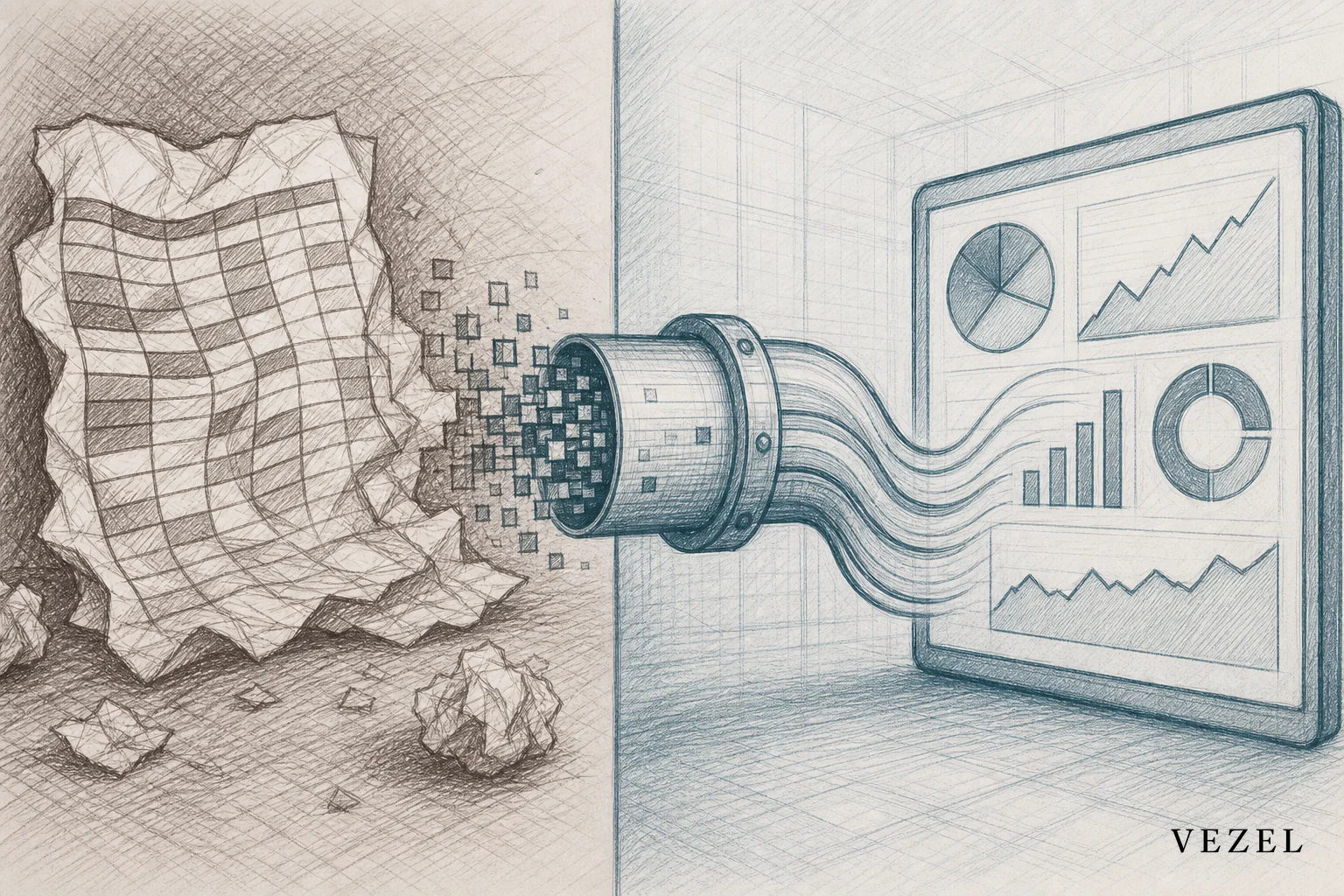
The result is a dashboard that queries live data on every load, not a copy of it. Change a value in the source system and the dashboard reflects it the next time someone opens it, no refresh job required.
4. Inherit Permissions So Live Data Stays Secure
Connecting to live data raises the stakes on access control. A stale spreadsheet exposes yesterday's numbers to the wrong person. A live-connected dashboard with broken permissions exposes everything, in real time, to anyone with the link.
The fix is security inheritance: every dashboard query runs as the requesting user's own identity, using the authentication and role-based access controls your platform already enforces. Row-level restrictions that limit a sales rep to their own territory or an account manager to their own book of business carry over automatically. There's no second permission system to build, audit, or forget to update. For a deeper look at how row-level access travels with generated tools, see how to inherit row-level permissions in SaaS tools.
5. Keep Dashboards in Sync as Your API Evolves
APIs change. Fields get renamed, endpoints get deprecated, objects get restructured as your product grows. A dashboard connected to live data will break at exactly these moments unless the connection layer accounts for versioning.
A governed approach handles this by tracking which API version a dashboard depends on and flagging changes before they cause silent breakage, rather than after a customer notices bad numbers. This is the same lifecycle discipline covered in how to publish and version extensions in your SaaS, applied specifically to reporting.
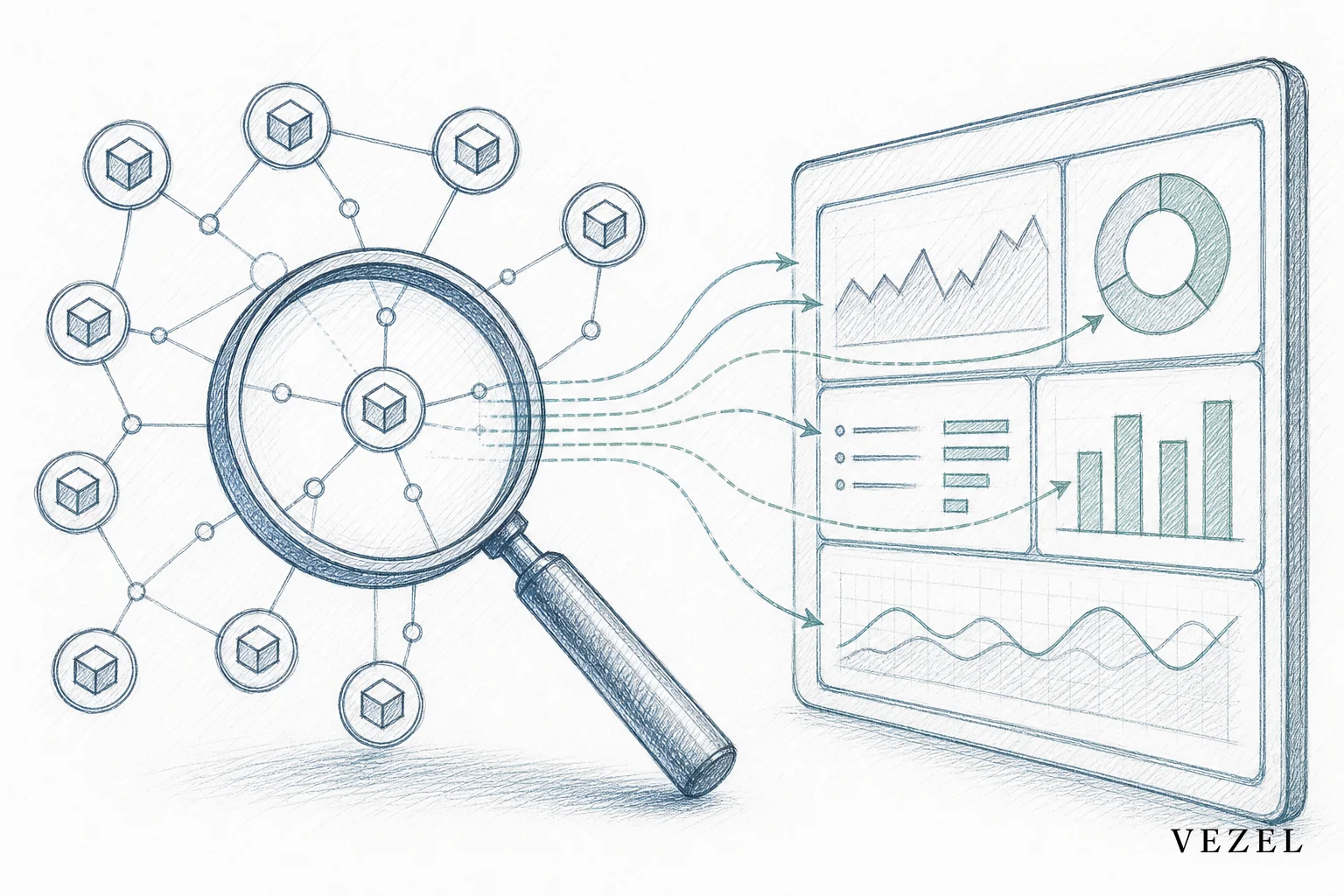
Without this, teams end up maintaining a spreadsheet of "which dashboard depends on which endpoint" by hand, which is exactly the manual overhead this whole approach is supposed to eliminate.
Can I Connect My Own AI Client to My Own SaaS Accounts?
Yes, and the mechanism is the same one used for dashboards. If you want an AI client, agent, or assistant to read your own SaaS account data, it needs the same API auto-discovery layer mapping your endpoints, and the same permission inheritance limiting what it can see and touch. An AI client that bypasses this and connects through a separate admin token creates a parallel access path that's harder to audit than the dashboard problem it's solving. Teams building this pattern for support or operations agents can see the full setup in how to deploy AI agents inside your SaaS platform.
Dashboard Creation vs Live Data Connection: Where This Fits
Building a dashboard's layout, charts, and filters is a separate problem from connecting it to live data. The building blocks (drag-and-drop widgets, natural language prompts describing what to show) are covered in how to build custom dashboards inside your SaaS. This article focuses on the layer underneath: how the dashboard actually gets its numbers, and how those numbers stay accurate without engineering rebuilding the pipe every time a customer asks for something new.
Reporting patterns for specific verticals, like CRM pipeline views or logistics SLA dashboards, follow this same connection model. See how CRM SaaS platforms can offer custom reporting for an applied example.
Common Mistakes When Wiring Dashboards to Live Data
- Building a shadow data warehouse: Replicating your production data into a separate reporting database adds a sync problem you didn't have before, and now you're maintaining two sources of truth.
- Hardcoding field mappings per customer: Works for the first three customers, then collapses under maintenance load as your API surface grows.
- Treating permissions as a follow-up task: Access control has to be part of the connection from day one, not something bolted on after the dashboard ships.
- Ignoring API versioning: A dashboard with no version awareness will break the first time a field gets renamed upstream.
According to the National Institute of Standards and Technology, access control failures remain one of the most common causes of data exposure in connected software systems, which is exactly why permission inheritance can't be an afterthought when wiring live data into customer-facing tools. Public API design standards from the OpenAPI Initiative also underpin most auto-discovery approaches, since a well-structured spec is what makes automatic mapping possible in the first place.
The gap between "we can export the data" and "the dashboard is always right" is exactly the gap that live API connections close.
If your engineering team keeps hearing "can our dashboard just show live numbers instead of the export," that request is a signal your platform needs a connection layer, not another one-off integration project. Book a demo to see how Vezel's API auto-discovery wires customer-built dashboards to your live data without new backend work, or see how it works end to end. If you're weighing this against building it yourself, talk to an expert about what auto-discovery and permission inheritance would look like on your specific API.



