


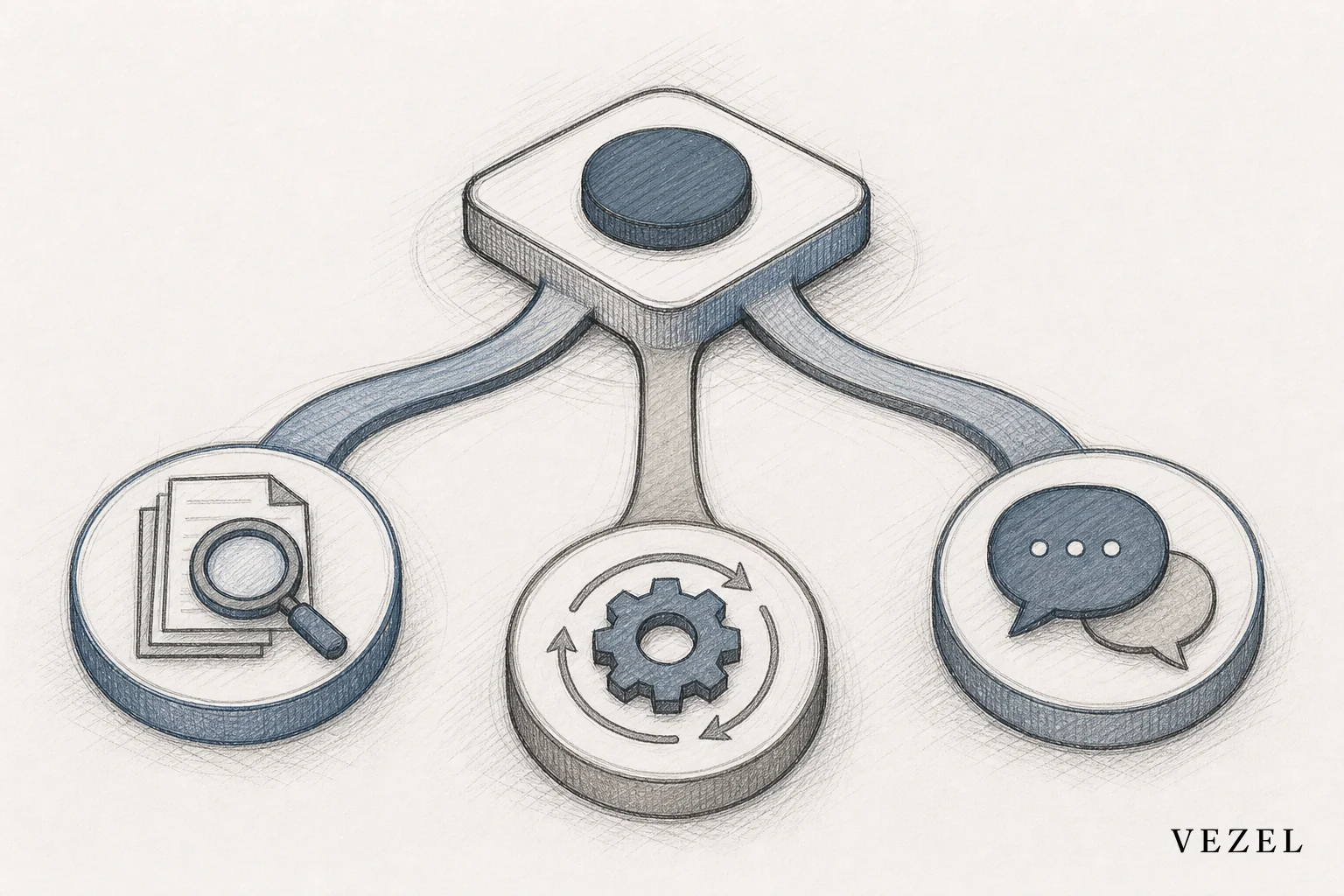
You build an AI research agent inside your SaaS platform by connecting it to your existing API through auto-discovery, scoping its behavior in plain English, and letting it inherit the same RBAC and row-level permissions your users already have. No new database, no separate login, no fresh engineering sprint. The result is an agent that answers analyst-style questions using live platform data, scoped to exactly what each user is allowed to see.
Key Takeaways
- Research agents are not copilots or support bots: they handle exploratory, cross-entity analysis rather than task execution or ticket resolution.
- API auto-discovery replaces manual integration work: the agent maps your data model directly from your OpenAPI spec or live endpoints.
- Permissions carry over automatically: the agent executes every query as the requesting user's own session, not a shared admin account.
- Plain-English configuration replaces custom code: product and CS teams can define scope and behavior without an engineering ticket.
- Governance keeps it out of shadow IT territory: publishing through a versioned, reviewed marketplace prevents unmanaged sprawl.
At a Glance: Building an AI Research Agent
| Step | What Happens | Typical Effort |
|---|---|---|
| 1. API auto-discovery | Agent maps entities, fields, and relationships from your existing API | Minutes to hours, no manual schema mapping |
| 2. Define scope | Describe research questions the agent should answer in plain English | Same day, no code |
| 3. Inherit RBAC | Agent runs queries as the requesting user's session and role | Automatic, no separate config |
| 4. Test scenarios | Validate cross-object joins and permission boundaries per role | 1-2 days |
| 5. Publish | Version and release through a governed marketplace | Ongoing, versioned |
| New dev work required | None for standard use cases | N/A |
| Common first use case | Account research for CS and sales | Live from day one |
What Is an AI Research Agent, and How Is It Different From a Copilot or Support Bot
An AI research agent answers open-ended, analyst-style questions by pulling from multiple entities in your live platform data. Ask it "which accounts increased usage 30% but haven't upgraded" and it joins usage records, billing history, and account metadata to give you a real answer, not a canned report.
That's a different job from the two agent types we've covered before. Our guide on how to deploy AI agents inside your SaaS platform lays out the foundation shared by all agent types. Our piece on embedding a workflow builder in your SaaS covers a related but distinct extensibility layer. An operations copilot executes tasks: flag overdue approvals, reassign a ticket, trigger a workflow. A support agent resolves customer questions against a knowledge base. A research agent digs, correlates, and surfaces insight a user didn't know to ask for directly.
The distinction matters because it changes what "done" looks like. A support agent's job ends when the ticket closes. A research agent's job is to keep surfacing new angles on the same data set, week after week, as an analyst would.
1. Map Your Data Model With API Auto-Discovery
Point the discovery layer at your existing OpenAPI spec, or at live endpoints if documentation is thin. It infers entities, fields, and relationships automatically, the same process detailed in our guide on connecting AI extensions to legacy SaaS APIs. There's no manual schema mapping and no data warehouse to stand up.
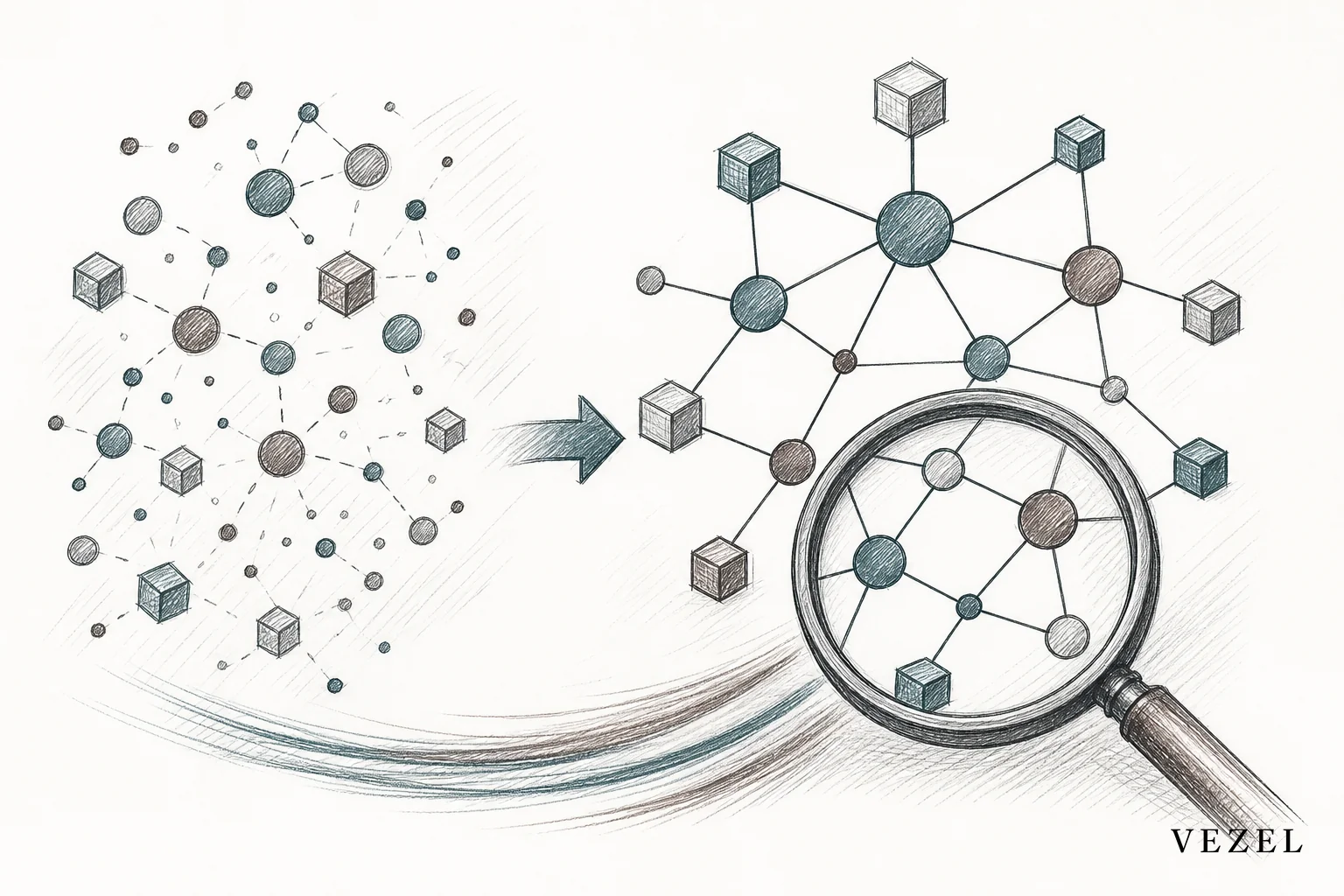
This step is what makes a research agent viable without new dev work. Instead of your engineering team writing custom queries against each table, the agent understands how accounts, usage events, invoices, and support tickets relate to each other because it read that structure straight from your API.
2. Define the Research Agent's Scope in Plain English
Once the data model is mapped, describe what the agent should be able to answer. You're not writing logic, you're writing intent:
- "Summarize account health by combining usage trends, support volume, and contract renewal date."
- "Flag accounts where API error rates spiked in the last 14 days."
- "Compare feature adoption across accounts in the same industry segment."
A product manager or CS lead can write these prompts directly. No backlog ticket, no sprint planning meeting. This is the same self-serve model we cover in how to give SaaS customers self-serve customization, applied to research instead of dashboards or forms.
3. Inherit RBAC and Row-Level Permissions Automatically
The agent executes every query as the requesting user, using their existing role and row-level scope. A regional sales manager researching accounts only sees accounts in their territory. A finance analyst only sees the financial fields their role already exposes. There's no shared admin token sitting behind the agent and no separate permission table to maintain alongside your production system.
We go deeper on this mechanism in how to inherit row-level permissions in SaaS tools. It's the same principle that keeps AI agents from becoming a security liability: the agent is a lens on data the user could already query manually, just faster and better organized.
4. Test the Agent Against Real Account Scenarios
Before rolling the research agent out broadly, run it through real analyst questions your CS or sales teams actually ask. Check that cross-object joins return correct results. Then switch user roles and confirm the permission boundaries hold. Log in as an account manager, then a finance viewer, then an admin, and verify each sees only what they should.
This step catches the two failure modes that matter most: wrong answers from bad joins, and over-exposed answers from permission leaks. Both are cheap to fix here and expensive to fix after a customer notices.
5. Publish Through a Governed Marketplace
Once tested, publish the agent through a versioned, reviewed marketplace rather than shipping it loose. That gives you rollback if a prompt update breaks behavior, and it gives customers a discoverable, white-labeled experience that feels native to your product. Our guide on how to publish and version extensions in your SaaS covers the review gate and versioning workflow in detail.
Research Agent Use Cases Worth Building First

Account research: CS and sales teams ask the agent to pull a full picture of an account before a renewal call, usage trends, ticket history, contract terms, all in one pass instead of five browser tabs.
Operational insight: Ops leads ask the agent to surface anomalies, a sudden spike in error rates, a drop-off in a specific workflow, without waiting on a BI team to build a report.
Analyst-style copilots: Finance and ops teams get a persistent, conversational way to interrogate their own data instead of exporting to a spreadsheet, a pattern we cover for vertical platforms in how CRM SaaS platforms can offer custom reporting.
How Does a Research Agent Compare to an Operations Copilot or Support Agent
All three agent types share the same foundation, API auto-discovery and inherited permissions, but they solve different problems. Here's how they line up:
| Agent Type | Primary Job | Typical User | Example Question or Task |
|---|---|---|---|
| Research Agent | Exploratory, cross-entity analysis | CS, sales, ops, finance analysts | "Which accounts are at renewal risk based on usage and tickets?" |
| Operations Copilot | Execute and automate routine tasks | Ops managers, team leads | "Reassign overdue approvals to the backup approver." |
| Support Agent | Resolve customer questions against a knowledge base | End customers, support teams | "How do I reset my API key?" |
If you're weighing which to build first, our guide on how to build an AI operations copilot in your SaaS covers the task-execution side, and our support agent guide walks through the customer-facing knowledge base pattern. Research agents are usually the right third build, once your platform already has an operations layer or support layer live.
How Can I Connect My Own AI Client to My Own SaaS Accounts
This is a question we see often in search, and the short answer is: you don't need to build a separate integration project. API auto-discovery reads your existing endpoints and authentication scheme directly, so the AI client connects using the same login and role structure your users already have. There's no parallel credential system to provision or maintain. If your platform already exposes an OpenAPI spec, discovery can typically complete in hours, not weeks.
Common Mistakes That Turn a Research Agent Into Shadow IT
Skipping the governance layer is the fastest way to undo everything this approach is meant to fix. A few specific traps to avoid:
- Building outside your marketplace or review process: a one-off agent nobody tracks becomes exactly the kind of unmanaged tool this architecture is meant to replace, a pattern we unpack in how to prevent shadow IT in your SaaS platform.
- Skipping row-level permission testing: an agent that technically inherits RBAC but was never tested across roles can still leak data through an unanticipated join.
- Not versioning agent logic: when a prompt update changes behavior, you need a rollback path, not a support escalation.
For a broader comparison of governed extensibility versus general-purpose no-code tools, see low-code platforms vs embedded AI extensibility.
Get Your Research Agent Live Without a New Engineering Sprint
Every SaaS platform sits on data its customers want to interrogate directly, but building that access one custom report at a time doesn't scale. An embedded AI research agent, built on API auto-discovery and inherited permissions, gives your customers analyst-grade answers without adding to your backlog. Book a demo to see a research agent built against your own API in real time, or see how it works before your next planning cycle. If you want to talk through the specific data model or permission structure of your platform first, talk to an expert and bring your questions.



