



Custom reporting for procurement SaaS platforms means letting each enterprise buyer build their own spend-by-category views, supplier scorecards, and compliance dashboards in plain English, directly inside the procurement or vendor-management platform they already use. The report reads from live purchase order, supplier, and contract data, and it inherits the buyer's existing permissions, so nobody waits on an engineering ticket to see the numbers that matter to their business.
Key Takeaways
- Spend reporting is never one-size-fits-all: two procurement teams using the same platform can define "savings" and "maverick spend" completely differently, and both need their own view.
- Engineering capacity is the real bottleneck: procurement SaaS vendors routinely lose a large share of dev cycles to one-off scorecard and dashboard requests instead of core product work.
- API auto-discovery removes the data mapping problem: connecting a new report to purchase orders, suppliers, and contracts no longer requires a custom integration project per customer.
- Permissions carry over automatically: buyer, supplier, and finance roles keep their existing row-level access without a parallel permission system to maintain.
- Governed self-service beats shadow IT: giving buyers a native way to build reports keeps procurement data out of unmanaged spreadsheets and rogue BI exports.
At a Glance: Procurement Reporting Approaches
| Approach | Time to Deliver | Engineering Load | Inherits RBAC? | Feels Native to Product? |
|---|---|---|---|---|
| Custom engineering build per customer | Weeks to months | High | Manual re-implementation | Yes, but costly |
| Export to spreadsheets / BI tool | Days | Low | No, separate access controls | No |
| Standalone internal tool builder (e.g. Retool) | Days to weeks | Medium | Rebuilt manually per app | No, separate login |
| Generic no-code app builder | Days to weeks | Medium | No native inheritance | No |
| Embedded AI extension (e.g. Vezel) | Hours | Low | Yes, automatic | Yes, white-labeled |
Why Every Procurement Buyer Wants a Different Report
Two procurement teams can run the same category management software and still measure success in opposite ways. One tracks savings against last year's contract price. Another tracks savings against a market benchmark. One flags maverick spend by purchase order volume. Another flags it by dollar threshold per department.
Supplier scorecards split just as widely. A manufacturing buyer might weight on-time delivery and defect rate above everything else. A services procurement team might care more about SLA adherence and diversity spend commitments. Contract compliance dashboards face the same problem: what counts as a compliance exception at one company is routine variance at another.
None of this means the procurement platform is missing features. It means every buying organization runs procurement its own way, and a shared product can only standardize so far before it stops fitting anyone well. This is the same pattern we've documented across other verticals, including logistics SaaS custom reporting and manufacturing SaaS custom reporting, where the underlying challenge is identical: standardized software meeting non-standardized operations.
The Hidden Cost of One-Off Procurement Report Requests
Every procurement SaaS vendor knows the cycle. An enterprise buyer signs, then asks for a supplier scorecard formatted around their own vendor tiering. Product logs the request. Engineering estimates it. It gets deprioritized behind the roadmap, or it gets built and then maintained forever as a one-off.
Industry data on SaaS engineering allocation suggests companies can lose up to 40% of engineering capacity to exactly this kind of bespoke, single-customer work, according to research summarized by the Gartner IT research practice. That's capacity not spent on the core platform, and it's capacity that scales down, not up, as the customer base grows.
The workaround procurement teams reach for in the meantime is predictable: spreadsheets pulled from exports, or a shadow BI tool connected via a fragile API key nobody in IT knows about. Both create risk. Both are signals that the platform hasn't kept pace with what the buyer actually needs, a pattern we cover more broadly in how to prevent shadow IT in your SaaS platform.
How API Auto-Discovery Connects to Your Existing Procurement Data Model
The reason procurement scorecards have historically required custom engineering is data mapping. Purchase orders, supplier records, contract terms, and invoice line items usually live across several tables or services, sometimes stitched together through an older ERP integration.

API auto-discovery reads a platform's existing OpenAPI spec, or infers schemas directly from live responses, and maps those relationships automatically. A buyer describing "show me on-time delivery rate by supplier for the last two quarters, grouped by category" doesn't need a developer to translate that into a query against three different endpoints. The discovery layer already knows where supplier IDs, PO dates, and category codes live.
This is the same mechanism we walk through in detail in connecting AI extensions to legacy SaaS APIs, and it applies directly to procurement platforms that have grown through acquisitions or multiple data sources over the years. The report generation stays connected to live data, not a static export, so the scorecard updates as new POs and supplier ratings come in.
How Permissions and RBAC Carry Over Automatically
Procurement data is sensitive by nature. A category manager should see spend across their category. A finance controller might need visibility across every category but not supplier contact details. A supplier-facing portal user should see only their own performance data, never a competitor's.
When custom reports are built outside the platform, in a spreadsheet or a separate BI tool, these boundaries get rebuilt from scratch, and they drift out of sync with the source system over time. Embedded extensions avoid this by executing every query under the requesting user's own session and role. If a buyer isn't allowed to see a supplier's pricing terms inside the core product, they can't see it in a generated report either. Row-level access controls, department scoping, and supplier-level restrictions all carry forward automatically. We go deeper on the mechanics in how to inherit row-level permissions in SaaS tools.
Building Supplier Scorecards and Compliance Dashboards Without an Engineering Ticket
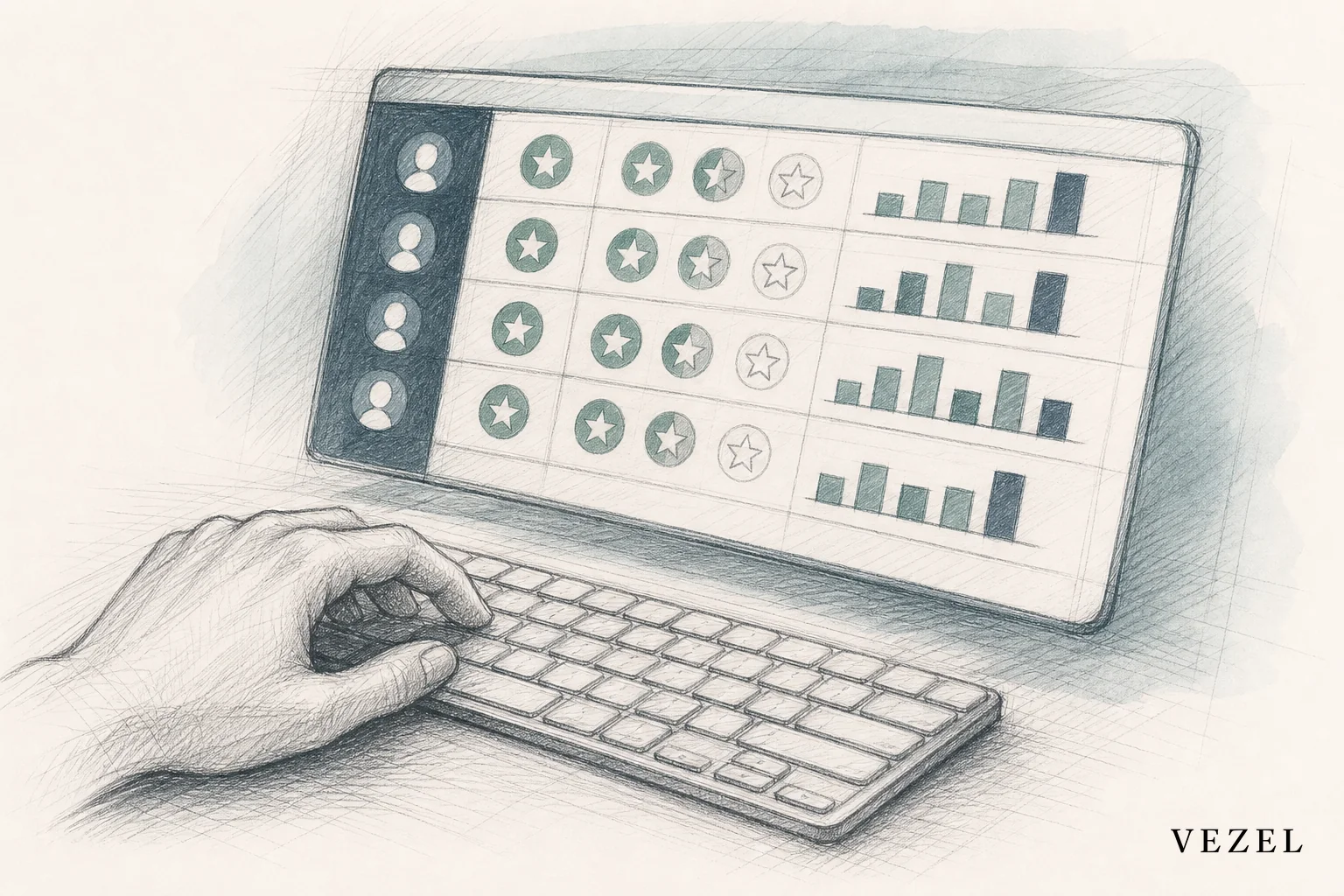
Once auto-discovery and permission inheritance are in place, generating the actual report becomes a matter of describing it. A procurement operations lead can type something like "build a supplier scorecard weighted 40% on-time delivery, 30% quality defects, 30% invoice accuracy, filtered to our top 20 vendors by spend," and get a working dashboard connected to live data.
Because the extension is white-labeled, it renders inside the existing procurement platform using the host product's own design system. It doesn't look like a bolted-on tool. Buyers can also build:
- Compliance dashboards tracking contract renewal dates, insurance certificate expirations, and diversity spend targets
- Approval workflows for purchase requisitions that match a specific delegation-of-authority structure
- Category-level spend reports broken out by cost center, plant, or region
Once built, these extensions go through a governed marketplace where the platform vendor controls publishing, versioning, and rollback. That's a meaningfully different model from letting every customer build unmanaged tools; it's covered in more depth in how to publish and version extensions in your SaaS. If you want to see this in action rather than read about it, you can book a demo or explore how it works directly.
How Do Healthtech Platforms Build Permissioned Reporting for Customers?
This question comes up often enough outside procurement that it's worth answering directly, since the underlying pattern is the same. Healthtech platforms face an even stricter version of the permissions problem: HIPAA-scoped access, role-based clinical views, and patient-level data boundaries that can't leak between hospital departments or payer organizations.
The solution is structurally identical to what procurement teams need. Reports are generated against live data through API auto-discovery, and access is enforced by inheriting the platform's existing authentication and row-level rules rather than building a parallel permission system. We cover the healthcare-specific version of this in how healthcare tech SaaS can offer custom reporting, but the takeaway for procurement platforms is the same: permission inheritance, not permission re-implementation, is what makes self-serve reporting safe at enterprise scale.
A Buyer's Checklist for Choosing a Custom Reporting Approach
If you're a procurement SaaS product or engineering leader evaluating how to solve this, run any option through these questions before committing:
- 📋 Does it connect to your existing API and data model without a separate ETL pipeline?
- 🔒 Does it inherit your current authentication and row-level permissions automatically?
- 🎨 Does the output feel native to your product, or does it look like a bolted-on third-party tool?
- 🛠️ Can a non-technical buyer build a scorecard in hours, or does it still route through your engineering queue?
- 📦 Is there a governance layer for publishing, versioning, and retiring customer-built reports?
For a broader framework that applies across vertical SaaS categories beyond procurement, see the buyer's guide on custom reporting for vertical SaaS platforms.
Frequently Asked Questions
What is custom reporting for procurement SaaS platforms?
It's the ability for each enterprise buyer to build their own spend reports, supplier scorecards, and compliance views inside the procurement platform they already use, using plain English instead of a developer or an engineering ticket.
How long does it take to build a supplier scorecard this way?
With API auto-discovery and permission inheritance already in place, a buyer can typically generate a working scorecard in hours rather than the weeks or months a custom engineering build usually takes.
Does this replace our existing BI tool?
Not necessarily. It reduces reliance on exporting procurement data into external BI tools for customer-specific views, but it doesn't require you to remove BI infrastructure you already use for internal analytics.
Will this create security risk if buyers build their own reports?
The risk profile is lower than shadow IT alternatives, because reports run under the requesting user's own permissions instead of a separate admin connection or exported dataset outside your control.
If your procurement platform's roadmap keeps getting pulled sideways by one-off scorecard and dashboard requests, that pressure isn't going away on its own. Vezel connects to your existing procurement APIs, inherits your permission model, and lets buyers build the spend reports and supplier scorecards they need without a single engineering ticket. Book a demo to see how it maps to your data model, or talk to an expert about your current backlog of customer-specific requests.



