



Custom reporting for banking SaaS platforms means letting each bank client build its own regulatory reports, audit trails, and branch-level dashboards in plain English, directly inside the core banking or lending platform it already uses. The report pulls from live platform data and inherits the same RBAC and audit controls the platform already enforces, so compliance teams get what they need without a single engineering ticket.
Key Takeaways
- Regulator variance breaks templates: A single fixed BSA/AML or call report template can't serve a community bank, a credit union, and a multi-state lender at once, each with different examiner formats.
- Engineering capacity drains fast: Banking SaaS teams routinely lose a large share of sprint capacity to one-off compliance report requests that never make it into the shared product.
- Shadow spreadsheets create audit risk: When bank clients export data to build their own reports, that data leaves the audited system, which is exactly what examiners flag first.
- Permission inheritance is non-negotiable: Any self-serve reporting layer must run under the requesting user's own RBAC and row-level access, not a separate admin path.
- Branch-level dashboards close deals: Regional and community banks frequently require branch-scoped scorecards before signing, and delivering them fast shortens the sales cycle.
Banking SaaS Custom Reporting At a Glance
| Report Type | Typical Requester | Data Source | Permission Model | Build Time with AI Extension Layer |
|---|---|---|---|---|
| BSA/AML exception report | Compliance officer | Live transaction data via API | Row-level, branch-scoped | Minutes, plain English prompt |
| Branch-level performance scorecard | Regional manager | Live loan/deposit data | Inherits regional RBAC | Minutes |
| Call report extract | CFO / controller | Core banking ledger data | Admin/finance role only | Minutes to hours depending on complexity |
| Audit trail export | Internal/external auditor | Full activity log | Read-only, audit role | Immediate once configured |
| Custom underwriting dashboard | Credit team lead | Loan origination data | Team-scoped RBAC | Minutes |
| Legacy custom build (pre-extension) | Any of the above | Manual export/spreadsheet | Not enforced, high risk | Weeks to months via engineering |
Why Bank Clients Keep Asking for Reports Your Roadmap Can't Absorb
A community bank onboards onto your core banking platform, then asks for a branch-level deposit growth report formatted around its own regional structure. A credit union wants a BSA exception queue that matches its internal risk tiers, not your default template. A multi-state lender needs a call report extract mapped to its own chart of accounts. None of these are unreasonable asks. They're just impossible to standardize, because every bank organizes its branches, risk tiers, and general ledger differently.
Your engineering team absorbs these requests one at a time. Each one takes a sprint, sometimes two. Multiply that across dozens of bank clients and you get a backlog that never shrinks, because banking is one of the most compliance-heavy verticals in software. Examiners change formats. State regulations shift. What worked for one client's audit last quarter needs a rebuild this quarter.
This is the same pattern we've documented for other regulated verticals, including insurance SaaS custom reporting and healthcare tech custom reporting. Banking carries its own weight, though, because the reports aren't just operational, they're often the difference between passing and failing an exam.

The Compliance Wall Standard SaaS Reporting Hits
Most core banking and lending platforms ship with a fixed set of report templates. That works fine until a bank's examiner asks for a format the template doesn't produce, or a branch manager needs a view the dashboard builder never anticipated. At that point, the bank has two options: file a feature request and wait, or export the data and build the report themselves in a spreadsheet.
The second option is where real risk shows up. Data that leaves the audited platform loses its access controls, its version history, and its audit trail. An examiner reviewing a bank's BSA program doesn't just check the numbers, they check whether the data path is controlled end to end. A spreadsheet built from a manual export fails that test immediately.
According to the FinCEN Bank Secrecy Act resources, institutions are expected to maintain traceable, auditable records of monitoring and reporting activity. A workaround spreadsheet built outside the platform undermines exactly that expectation.
How an Embedded AI Extension Layer Solves Custom Reporting for Banking SaaS Platforms
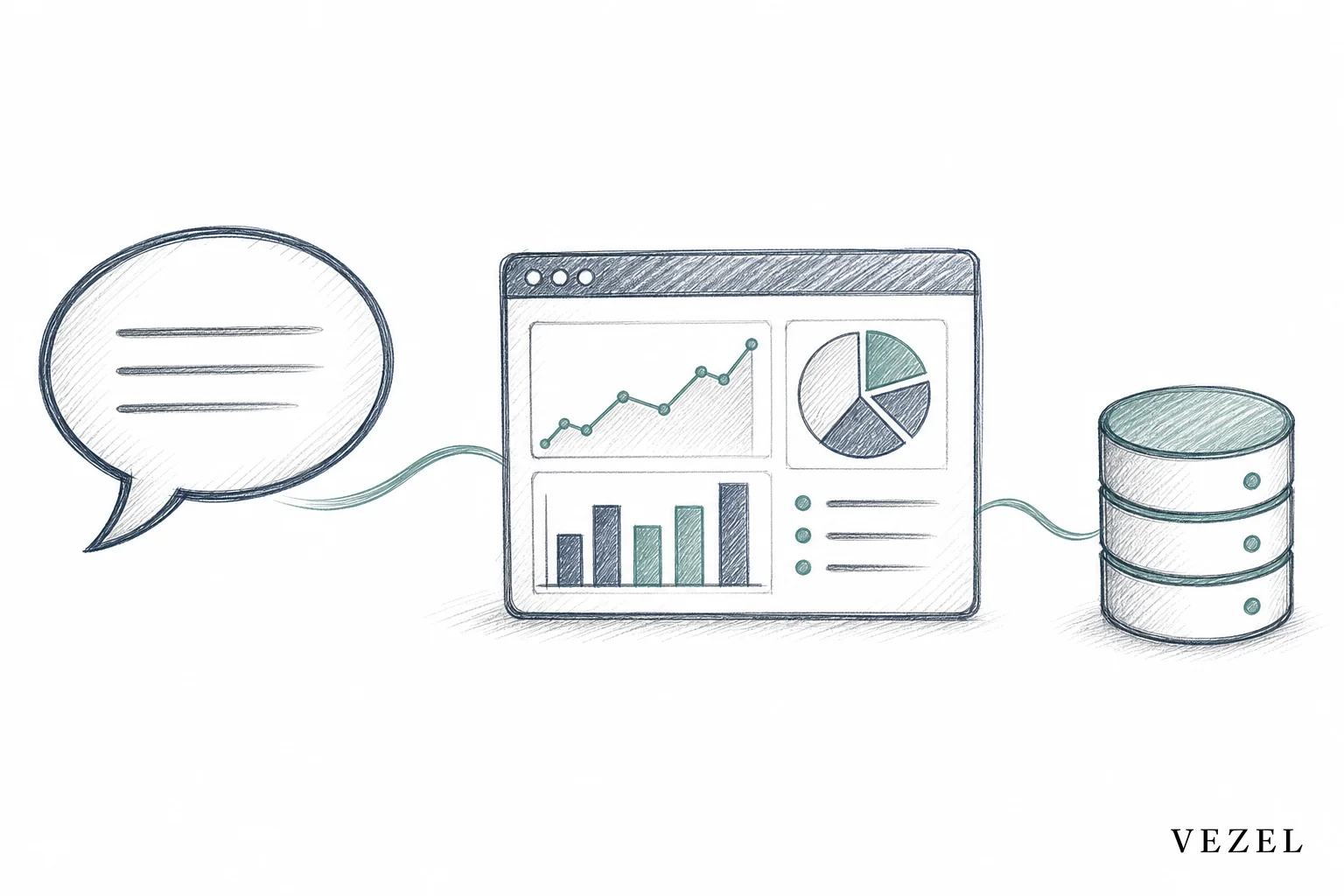
Vezel embeds an AI extension layer directly inside your banking SaaS product. A bank client's compliance officer or branch manager describes the report they need in plain English, something like "show flagged transactions over $10,000 by branch this month." The extension layer uses API auto-discovery to map that request to your existing data model and endpoints, then generates a live, native-feeling report inside your product. No engineering ticket, no export, no separate tool.
Because the extension is white-labeled, it looks and feels like part of your platform, not a bolted-on third-party app. Product teams keep the core roadmap focused on shared capabilities, while bank clients get the branch-level dashboards and audit-ready reports they'd otherwise wait months for. If you've already looked at how to build custom dashboards inside your SaaS, the same architecture applies here, just tuned to the reporting shapes that regulated banking clients actually request.
Inheriting RBAC and Audit Controls, Not Rebuilding Them
The hard part of self-serve reporting in banking isn't the dashboard. It's making sure the branch manager who builds a report only sees their own branch's data, and the auditor who reviews it can trace exactly who created it and when. Vezel's extensions inherit your platform's existing authentication, RBAC, and row-level permissions, so a report built by a regional manager automatically scopes to their region without a single new permission rule.
This mirrors the approach we cover in how to inherit row-level permissions in SaaS tools and how AI agents inherit your SaaS login and permissions. Every extension action runs under the requesting user's own session, which means the audit log already captures who built what and who viewed it, satisfying the same traceability examiners look for under frameworks like SOX and BSA/AML.
"How Can I Connect My Own AI Client to My Own SaaS Accounts?"
Bank IT teams sometimes ask this directly: can we connect our own AI tools to the reporting data inside our vendor's platform? The answer with an embedded extension layer is yes, but through a governed path rather than a side door. API auto-discovery maps to your platform's existing OpenAPI-based endpoints, so the connection uses your real data model, not a shadow copy. Access still runs through the requesting user's existing login and role, and everything a client builds gets published through a governed marketplace for publishing and versioning extensions, so IT retains visibility instead of losing control to unmanaged shadow IT.
A Branch-Level Reporting Scenario
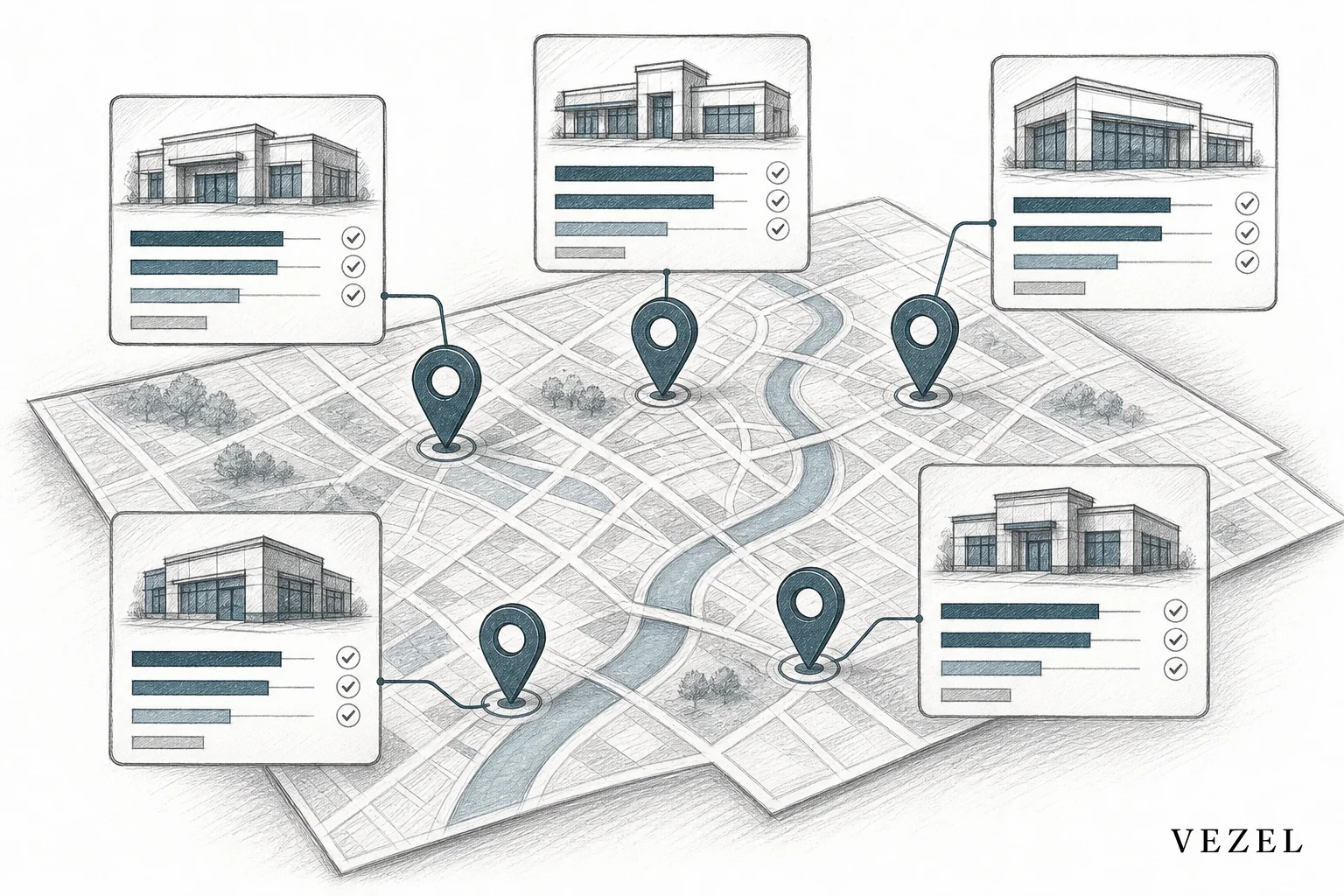
Picture a 40-branch regional bank running on your lending platform. Its compliance officer needs a monthly BSA exception report broken down by branch, with flagged transactions grouped by risk tier. Its regional VP separately wants a scorecard comparing loan volume and delinquency across branches. Neither report exists in your standard template library, and building both through engineering would take two sprints minimum.
With an embedded extension layer, the compliance officer types the exception report request once, gets a live dashboard scoped to their audit role, and the regional VP builds their branch scorecard the same afternoon, scoped to their own regional access. Both reports pull from the same live data your platform already manages. Neither one required a spreadsheet, a data export, or a ticket in your backlog.
Banking vs General Fintech Reporting: Why the Difference Matters
It's worth being precise here. General fintech reporting, the kind covered in our fintech SaaS custom reporting guide, usually centers on payment volumes, merchant analytics, and product usage metrics. Banking reporting is different in kind, not just degree. It's shaped by examiner cycles, BSA/AML obligations, call report formats, and branch-level governance structures that don't exist in a typical payments dashboard.
A banking SaaS platform that treats custom reporting as a generic analytics problem will miss the audit trail and permission requirements that actually decide whether a bank client renews. Regulated workflows need the RBAC inheritance and traceability built in from the start, not added later as a compliance patch.
Getting Started Without Adding to the Backlog
Rolling out an embedded extension layer doesn't require a rebuild of your core platform. Most banking SaaS teams start with a narrow pilot: pick one high-friction report type, like a BSA exception queue or a branch scorecard, and connect it through API auto-discovery. From there, governance settings define who can publish reports, what review gate they pass through, and how permissions scope by branch or region.
Once the pilot proves out, expanding to workflow approvals or AI copilots for compliance teams becomes a natural next step, similar to what we outline in how to embed a workflow builder in your SaaS. For teams weighing whether to build this in-house versus adopt an embedded platform, our comparison of low-code platforms vs embedded AI extensibility covers the tradeoffs in more depth.
If your engineering team is spending sprints rebuilding the same BSA exception report for the fifth client this quarter, that capacity is the actual cost of not solving custom reporting at the platform level. Book a demo to see how Vezel's embedded AI extension layer handles regulated banking reporting without adding to your backlog, or see how it works before you commit to anything. If you want to talk through your specific compliance requirements first, talk to an expert and walk through your platform's data model together.



