


Buying an Adaptive SaaS platform means evaluating an embedded AI extensibility layer, not another point tool. The right buyer's guide to Adaptive SaaS platforms starts with four non-negotiables: security inheritance, API auto-discovery, white-labeling, and governance. Get those wrong and you've bought a liability that generates support tickets instead of removing them.
Key Takeaways
- Security inheritance is the deal-breaker: if the platform can't execute every action under the requesting user's own RBAC and row-level permissions, it doesn't belong near customer data.
- API auto-discovery cuts implementation time: platforms that map to your existing OpenAPI spec avoid months of custom connector work.
- White-labeling protects your product identity: extensions should feel native, not like an embedded third-party widget.
- A governed marketplace prevents shadow IT: versioning, publishing controls, and lifecycle management stop customer-built extensions from turning into unmanaged sprawl.
- A scoped pilot beats a full rollout: test with one enterprise account and one use case before signing an enterprise-wide contract.
Adaptive SaaS Buying Snapshot
| Evaluation Area | What to Check | Why It Matters |
|---|---|---|
| Security model | Inherits existing auth, RBAC, row-level rules | Avoids rebuilding permissions per extension |
| Integration approach | API auto-discovery vs manual connectors | Determines implementation time and maintenance load |
| Branding | White-label theming matching your design system | Keeps the product experience consistent for customers |
| Governance | Publishing, versioning, in-product marketplace | Prevents unmanaged extension sprawl and shadow IT |
| Pilot scope | Single account, single use case, 30-60 days | Validates ROI before a full commercial commitment |
| Rollout cost | Platform fee vs engineering hours saved | Anchors the build-vs-buy decision |
1. Define What Problem You're Actually Buying For
Every Adaptive SaaS purchase starts with a specific pain, not a category label. Some teams are buying relief from an engineering backlog stacked with one-off dashboard requests. Others are trying to stop enterprise deals from stalling because a prospect demanded a custom approval workflow before signing.
Write the pain down in one sentence before you take a single vendor call. "Our engineers spend 30-40% of their time on bespoke customer requests" is a different buying problem than "our sales cycle stalls because we can't demo a custom workflow." The first points you toward backlog reduction tooling. The second points you toward sales-cycle acceleration.
Churn risk is a third path worth naming separately. If enterprise customers are leaving because promised roadmap features never shipped, you're really solving a retention problem, and the evaluation criteria shift toward how fast customers can self-serve the exact workflow they were promised.

2. Build Your Evaluation Criteria Before You Talk to Vendors
Vendor demos are persuasive by design. Walk in with your own criteria, or you'll walk out with theirs.
Security Inheritance
Ask directly: does every extension execute under the requesting user's existing session, role, and row-level scope, or does the platform maintain a separate permission table? A separate table means double maintenance and a growing gap between your product's access model and the extension layer's. This single question eliminates more vendors than any other in the evaluation.
API Auto-Discovery
How do healthtech platforms build permissioned reporting for customers?
They connect the extension layer to their existing OpenAPI spec so the platform auto-discovers data models and endpoints, then generate the report in plain English while permissions inherit automatically from the host system. No new database, no manual field mapping, and no separate credential set for hospital or payer customers to manage.
This matters beyond healthcare. Any vertical SaaS company with row-level data sensitivity, whether banking, insurance, or HR tech, needs the same auto-discovery behavior before an extension ever touches production data.

White-Labeling
Customer-facing extensibility only works if the extension looks like it shipped with your product. Test this in the demo: generate a dashboard and check whether it inherits your typography, color tokens, and navigation shell automatically, or whether it needs manual CSS overrides for every theme change.
Governance and Marketplace Controls
Ask how the platform prevents shadow IT once customers start building their own extensions. A governed marketplace with publishing approval, version history, and rollback capability is the difference between managed self-serve customization and an unmonitored sprawl of one-off tools.
3. How Do You Compare Extensibility Vendors Side by Side?
Compare vendors on five fixed columns: embedding model, security inheritance, integration method, target user, and pricing structure. Vendors built for internal engineering teams score differently than vendors built for customer-facing extensibility, so the comparison only works if you separate the two categories first.
Where can I compare extensibility across low-code platforms? Start with a table built around your own criteria rather than a generic feature matrix, since general-purpose low-code tools and embedded extensibility platforms solve different problems even when their marketing overlaps.
| Platform | Built For | Security Model | Embedding | Coding Required |
|---|---|---|---|---|
| Vezel | Customer-facing extensions inside SaaS products | Inherits host auth, RBAC, row-level rules | Native, white-labeled, zero-footprint | Plain English, no code |
| Retool | Internal engineering tools | Separate internal permission model | Standalone app, not embedded | Requires developer setup |
| Glide | General-purpose no-code apps | Not built for RBAC inheritance | Standalone, not natively embedded | Low-code, non-technical |
| Mendix | Full custom application development | Custom-configured per app | Requires deployment infrastructure | Low-code with developer oversight |
| Salesforce AppExchange | Extending Salesforce specifically | Salesforce-native permissions only | Salesforce ecosystem only | Requires developer expertise |
Read the deeper comparisons before you shortlist: Retool vs embedded extensibility, Glide vs embedded extensibility, and Mendix vs embedded extensibility each go deeper on a single matchup.
4. How Do You Embed a Form or Dashboard Builder Into an Existing SaaS Product?
You embed a form or dashboard builder by connecting it to your existing API through auto-discovery, then letting the builder generate fields, layouts, and permissions from that live data model instead of a static schema you maintain separately. The builder sits inside your product's own navigation, not a separate tab or iframe pointing to another app.
This zero-footprint approach avoids the two most common integration failures: a connector that breaks every time your API changes, and a permission layer that drifts out of sync with your host product's access rules. Guides on building custom dashboards and embedding a workflow builder walk through the technical steps in more depth.
5. Run a Scoped Pilot Before You Commit
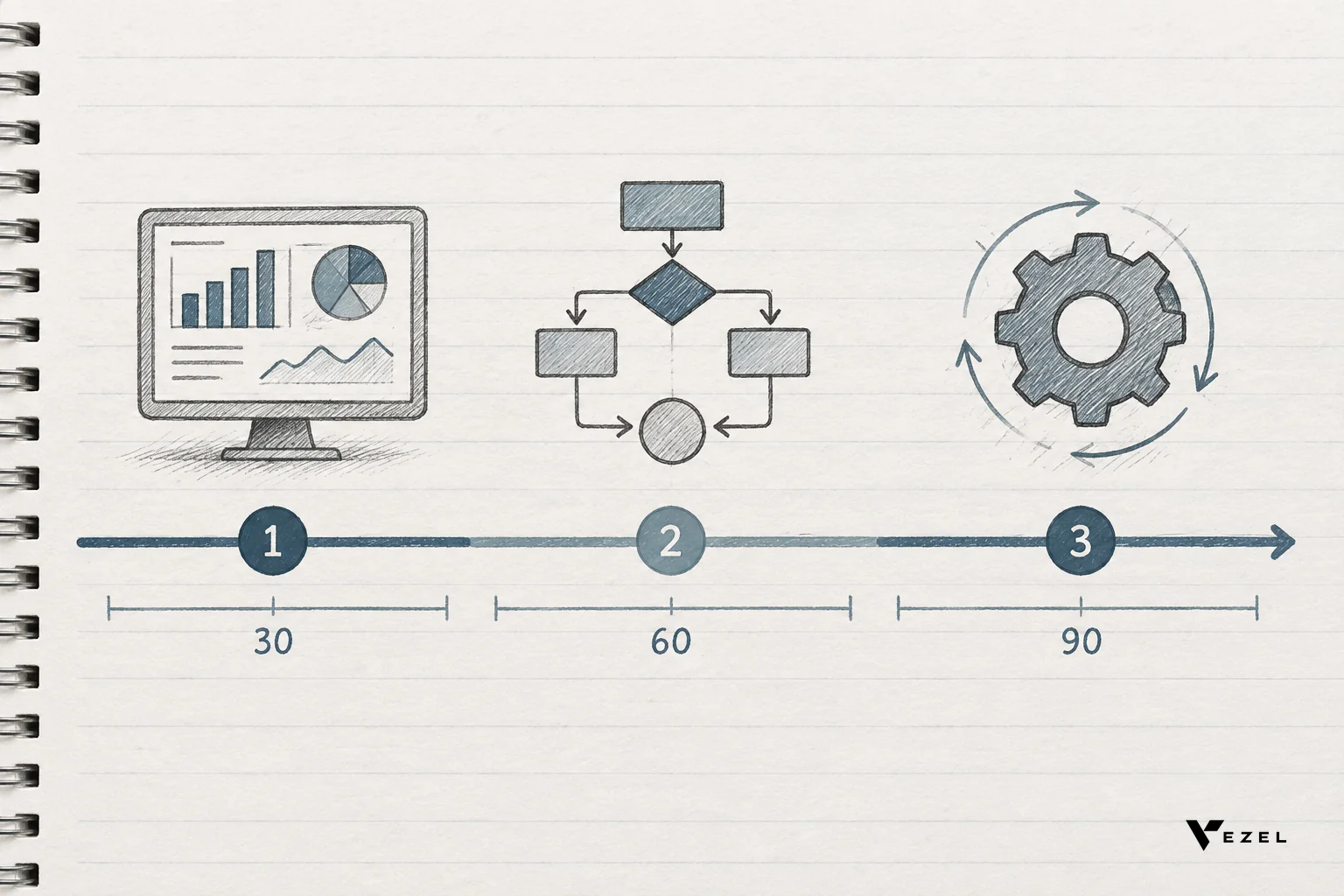
Pick one enterprise account with a documented, unmet workflow or reporting request. Give the vendor 30 to 60 days to prove the extension can be built, secured, and delivered without a new engineering sprint.
Measure two numbers at the end: engineering hours actually saved, and how much faster the account moved through renewal or expansion conversations. Vague satisfaction scores don't hold up in a budget review. Hard hours and days do.

6. Plan the Rollout: Governance, Security, and Change Management
A successful pilot creates its own risk: teams want to scale it immediately without setting publishing rules first. Before opening extension-building to more customers, define who can publish, who reviews before release, and how versions roll back if something breaks.
Security inheritance should already be solved by your vendor choice, so this stage is about internal process. Train customer success and sales teams to demo the extension builder live, since self-serve customization only reduces support load if customers actually know it exists.
7. Total Cost of Ownership: Build vs Buy
Bespoke custom development carries costs that rarely show up in the initial engineering estimate: ongoing maintenance, permission drift as your core product evolves, and the opportunity cost of the roadmap features that got delayed. An embedded extensibility platform trades a recurring platform fee for those hidden costs.
Run the comparison honestly using your own numbers. The detailed breakdown in extensibility platform vs custom dev cost is a useful worksheet if you want to model this against your team's actual salary and sprint data before presenting a recommendation internally.
Buyer's Decision Checklist
- ✅ Documented the specific pain point (backlog, sales cycle, churn, or shadow IT) driving this purchase
- ✅ Confirmed extensions inherit existing auth, RBAC, and row-level permissions with no separate credential store
- ✅ Verified API auto-discovery against your actual OpenAPI spec, not a sandbox demo
- ✅ Tested white-label theming against your real design tokens
- ✅ Reviewed marketplace governance: publishing approval, versioning, rollback
- ✅ Scoped a pilot with one account and a hard 30-60 day measurement window
- ✅ Modeled total cost of ownership against engineering hours, not just the platform's list price
Frequently Asked Questions
How do healthtech platforms build permissioned reporting for customers?
Healthtech platforms build permissioned reporting by connecting the reporting layer to existing APIs through auto-discovery, then inheriting the same RBAC and row-level rules that already govern clinical and payer data. That way a hospital system's custom report never exposes data outside what that user was already permitted to see. See how healthcare SaaS platforms can offer extensibility for a full walkthrough.
How do I embed a form builder into an existing SaaS product?
You embed a form builder by mapping it to your existing data model through API auto-discovery, generating fields and validation logic in plain English, and having the resulting form inherit your product's authentication instead of requiring a separate login. This keeps the form native rather than bolted on.
Where can I compare extensibility across low-code platforms?
Build your own comparison around security inheritance, embedding model, and target user (internal team vs customer-facing), since generic feature lists blur the difference between internal tool builders like Retool and customer-facing platforms like Vezel. The vendor comparison tables above are a starting template you can adapt with your own weighting.
Choosing an Adaptive SaaS platform is a permanent architectural decision, not a feature toggle. Get the security model wrong and you inherit risk for years. Get it right and every future enterprise customization request becomes something your customers build themselves instead of a ticket in your engineering backlog. Read the full guide to choosing an embedded extensibility platform for a deeper technical checklist, then book a demo to see the evaluation criteria above tested against your own API. If you want to see the mechanics first, see how it works, or talk to an expert about scoping a pilot around your highest-friction enterprise account.